

If you're planning an app, someone has probably told you that a progressive web app (PWA) could get you most of what a native app does for a fraction of the cost. Sometimes that's true. Sometimes it's the reason a product struggles on iPhone.
The best way to judge is to look at companies that actually shipped PWAs, see what problem each one was solving, and compare that with your own product. That's what this guide does. It also covers the parts most PWA roundups skip: what works on an iPhone today, and how to decide between a PWA and a native app.
What is a PWA?
A progressive web app is a website built to behave like an app. People open it from a link or a Google search, but they can also install it on their home screen. From then on it launches full-screen, loads quickly, can keep working with a weak or missing connection, and on most devices can send push notifications.
One way to picture it: a regular website is like a restaurant's menu posted in the window. A PWA is the same menu, except you can put it in your pocket, it remembers your usual order, and it can tap you on the shoulder when something new comes out.
A PWA isn't a separate kind of product. It's a web application with a few extra capabilities. It uses one codebase that runs in any modern browser. There's no separate iOS and Android build, and no app store approval required.
Progressive web app examples, and what each one got out of it
Most of these companies still have a native app. That's worth noticing: a PWA often works best alongside a native app rather than in place of one. Each example below says what the company built, what it reported, and what it means for a founder.
1. Pinterest: fixing a slow mobile site in markets that mattered

What it is: Pinterest rebuilt its mobile website as a PWA in 2017. Its old mobile web experience was slow, and very few visitors signed up or installed the app, especially in emerging markets on slower connections.
What it reported: after the rebuild, time spent on the site rose 40%, ad revenue from users rose 44%, and core engagements rose 60%. Its core JavaScript went from about 650KB to 150KB, and the time before the site became usable fell from 23 seconds to 5.6 seconds. (Addy Osmani, Pinterest PWA performance case study)
The founder lesson: Pinterest didn't need new features. It needed its existing product to load fast for people it was losing. If a big share of your audience finds you through mobile search and leaves before the page loads, a faster web experience can move your numbers more than a native app would.
2. Starbucks: ordering without the 148MB download
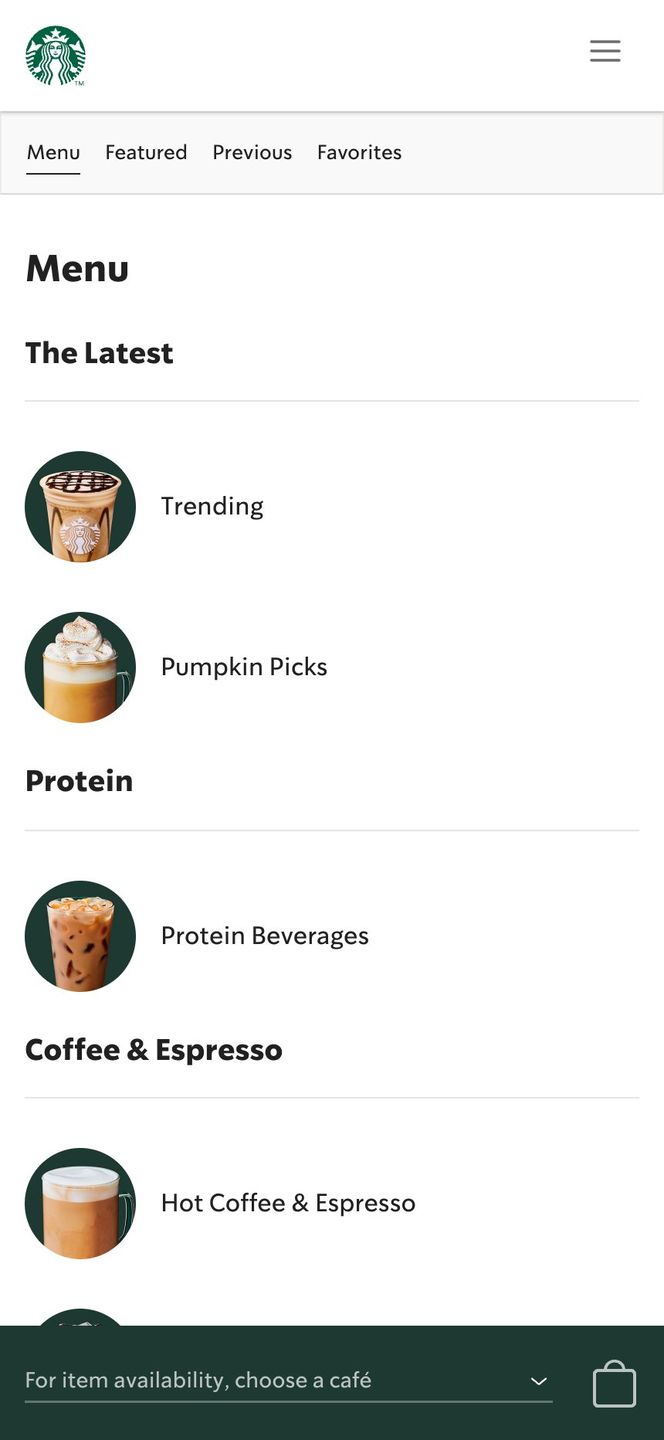
What it is: Starbucks worked with Formidable (now part of Nearform) on a PWA for ordering and finding stores. Customers can browse the menu and customize a drink even with a patchy connection.
What it reported: the PWA came in at 233KB, 99.84% smaller than the 148MB iOS app. (Nearform, Starbucks PWA case study)
The founder lesson: plenty of customers won't download a large app to do one small thing. If your product has a quick, repeatable job, like placing an order, booking a slot or checking a status, a lightweight PWA takes away the "install first" hurdle for people who aren't yet committed to you.
3. Uber: requesting a ride on a 2G connection
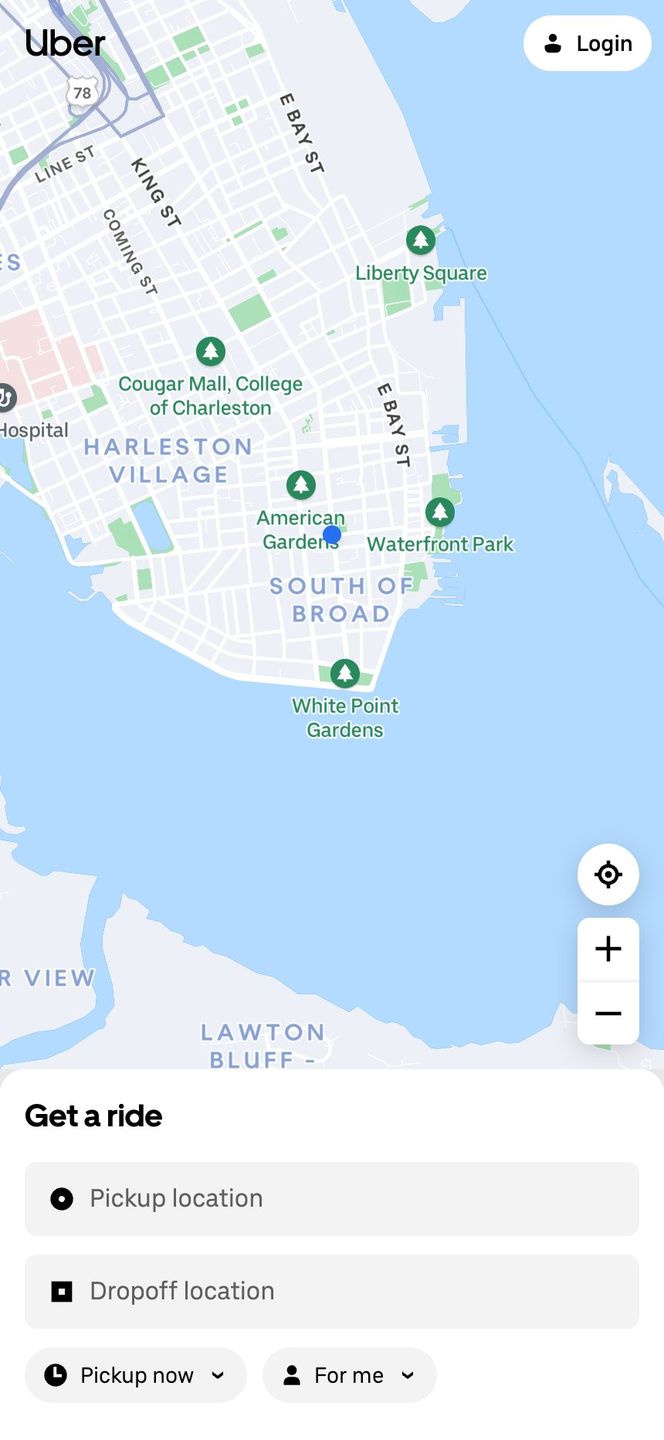
What it is: Uber built m.uber, a web version of its ride-request app, so that anyone could book a ride "regardless of location, network speed, and device." That included low-end phones its native app didn't support.
What it reported: the core ride-request app is just 50kB. On a typical 2G network it becomes usable in about three seconds. (Uber Engineering, June 2017)
The founder lesson: Uber's goal was reach, not working offline. You still need a connection to book a ride. If some of your users are on older phones, cheap data plans or poor coverage, a lean PWA can reach people your native app can't.
4. Tinder: the web version that users engaged with more
What it is: Tinder Online is a PWA that runs on desktop and mobile. It uses offline caching to cope with unreliable networks, and push notifications for chat.
What it reported: the full PWA is 2.8MB, about 10% of the data cost of the native app. Tinder also found that users swiped, messaged and edited their profiles more on the web than in its native apps, had longer sessions, and made purchases at about the same rate. (Addy Osmani, Tinder PWA performance case study)
The founder lesson: a web experience doesn't have to be the lesser version. When the core loop is simple and repeated often (swipe, message, repeat), a well-built PWA can be where your most engaged users spend their time.
5. Trivago: turning casual visitors into repeat visitors
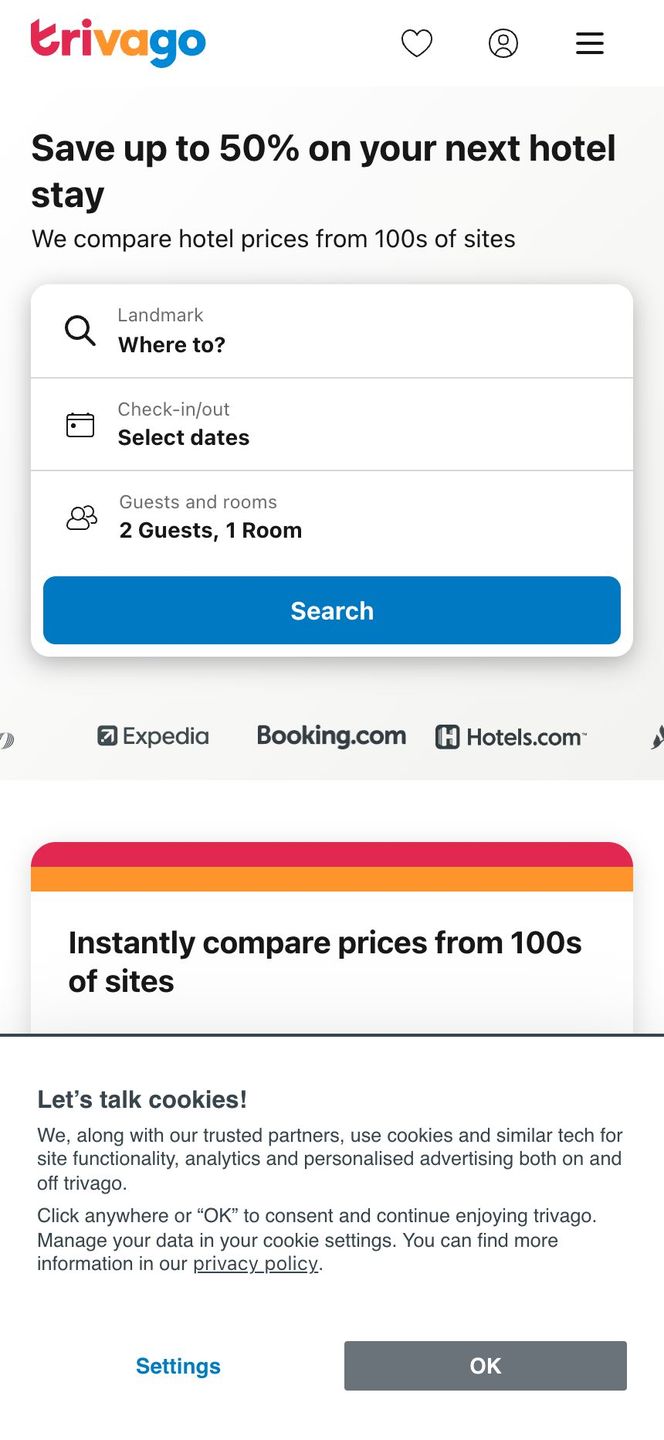
What it is: Trivago turned its mobile site into a PWA across dozens of countries, with offline support and "add to home screen."
What it reported: engagement rose 150% for people who added the PWA to their home screen. Clickouts to hotel offers rose 97%, and 67% of users who lost their connection while browsing kept browsing when they came back online. (Think with Google, Trivago case study)
The founder lesson: being on the home screen matters, but only for the people who choose to put you there. Trivago's gains came from repeat visits. A PWA can turn a searcher into a returning user without the commitment of an app store download.
6. Forbes: a faster reading experience

What it is: in 2017 Forbes rebuilt its mobile website as a PWA to make articles load faster and keep readers moving from story to story.
The founder lesson: for content and media products, speed is the product. If your business depends on readers going one more page deeper, the loading improvements a PWA brings can matter more than any feature.
7. Spotify and Google Photos: the web version as a companion
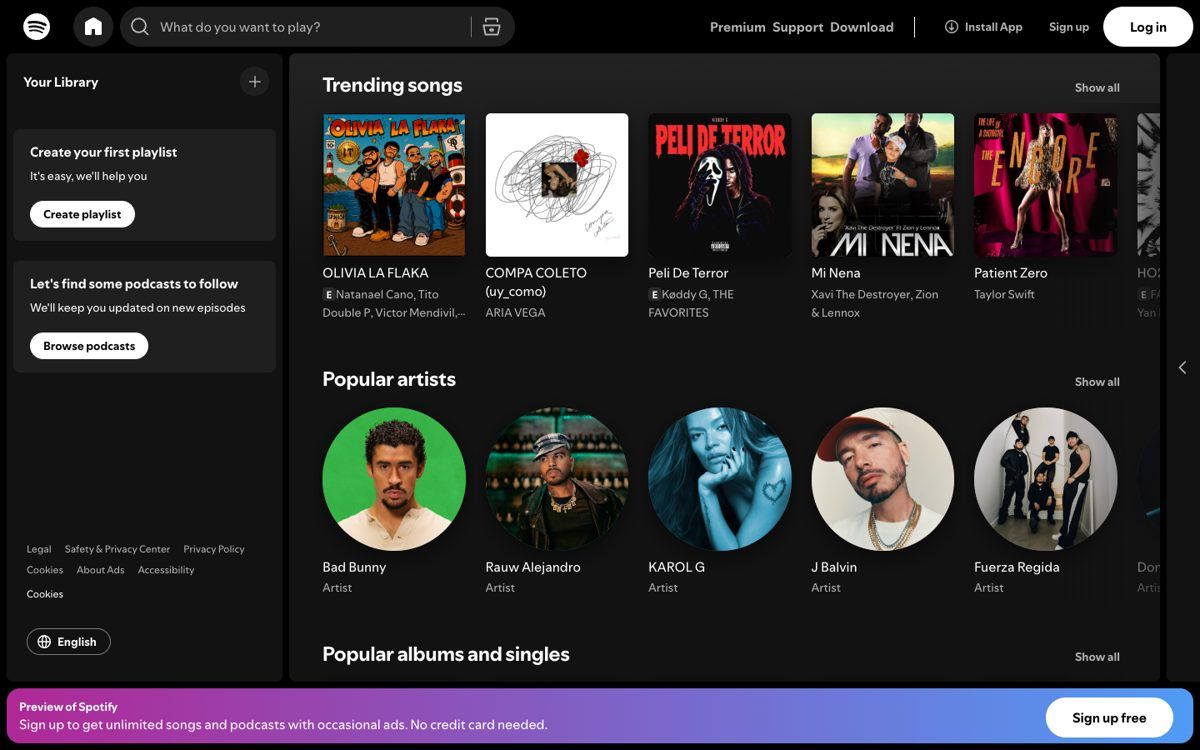
What they are: Spotify's web player and Google Photos can both be installed from the browser as desktop apps. Both companies also have full native apps. The web version covers laptops, shared computers and people who'd rather not install anything.
The founder lesson: you don't have to choose one or the other forever. Many products start with a PWA to prove demand and add native apps later, or ship a native app and keep an installable web version for everyone else.
What PWAs can and can't do on iPhone in 2026
This is where a lot of PWA advice goes wrong. Android and desktop Chrome support PWAs well. iPhones support them with some important limits, and if a big share of your customers use iPhones, those limits should drive your decision.
- Installing is manual. On iPhone there's no automatic "Install this app" prompt. Users have to tap Share and then Add to Home Screen. Many never do unless you show them how.
- Push notifications only work after installing. Since iOS 16.4 (2023), web apps added to the Home Screen can send push notifications and show badge counts. A PWA open in Safari can't. The user also has to allow notifications by tapping a button in the app. You can't ask as soon as the page loads. (WebKit)
- Support has been at risk before. In early 2024, test versions of iOS 17.4 turned home-screen web apps in the EU into plain bookmarks. Apple said this was because of the EU's Digital Markets Act. After pushback, Apple reversed the decision and kept them. (TechCrunch) PWAs on iPhone depend on decisions Apple makes, so it's worth watching.
- No App Store listing by default. A PWA doesn't appear in the App Store unless you also wrap it and submit it as an app.
What this means for your product: if your business depends on reliable push notifications to iPhone users (reminders, alerts, re-engagement), or on being found in the App Store, a PWA alone is a risky bet. If people mostly arrive from search or links and use your product in short sessions, these limits matter much less.
PWA vs native app: how to decide
Here's how the two compare on the things founders usually care about:
| Progressive web app | Native app (iOS + Android) | |
|---|---|---|
| Build cost | Lower. One codebase for every device | Higher. Two platforms, or one cross-platform codebase plus platform work |
| Time to launch | Faster. No app store review | Slower. Store review for launch and for updates |
| Found through | Google search and links | App Store and Google Play (plus your marketing) |
| Installing | Optional; manual on iPhone | Required before first use |
| Updates | Instant for everyone | Users have to download them |
| Works offline | Yes, for content and actions you cache | Yes |
| Push on Android | Yes | Yes |
| Push on iPhone | Only after the user adds it to the Home Screen (iOS 16.4+) | Yes |
| Device hardware | Camera and location work well. Bluetooth, background tasks and some sensors are limited, especially on iPhone | Full access |
A PWA is probably enough if:
- Most of your users find you through search, links or email rather than app stores.
- The core job takes minutes: ordering, booking, checking, reading, updating a record.
- You want to prove demand before you pay for native builds.
- Your users are mostly on desktop or Android, or iPhone push isn't central to your product.
Go native, or cross-platform, if:
- Your product needs reliable notifications on iPhone to work, like reminders or real-time alerts.
- You need deep hardware access: Bluetooth devices, background location or health sensors.
- Being in the App Store is part of how customers will find or trust you.
- Users spend long, daily sessions in the app and expect it to feel fully native.
Plenty of products land in between. A hybrid or cross-platform app, or a PWA now with native apps once you have traction, can be the right answer. Native vs. web vs. hybrid goes through that middle ground in more detail, and 13 Best Hybrid App Examples shows what it looks like in practice.
What does a PWA cost compared with a native app?
It depends on what your app has to do, but the structure of the cost is predictable. A PWA is one product built once. It runs on every device and updates instantly, so you pay for one build and one set of maintenance. Native means building for iOS and Android (or one cross-platform codebase with platform-specific work), going through two app store reviews, and maintaining releases people have to download.
That makes a PWA the lower-cost option for the same set of features. The gap shrinks as you add work that pushes against the browser's limits. For the factors behind any app budget, see how much it costs to make an app.
FAQs
Can a PWA be listed in the App Store or Google Play?
Not on its own. On Android, a PWA can be packaged and listed in Google Play with relatively little extra work. For Apple's App Store you need to wrap it in a native shell, and Apple expects the app to offer more than a repackaged website. Treat store listing as a separate project with its own review risk.
Do PWAs work offline?
They can. A PWA can save the screens and data you choose so they still work without a connection, as Starbucks does with its menu and Trivago does with pages people have already browsed. Anything that needs live data, like booking a ride or processing a payment, still needs a connection.
Do PWAs get push notifications on iPhone?
Yes, since iOS 16.4, but only after the user adds the app to their Home Screen and allows notifications. On Android and desktop, push works in the browser without installing.
Is a PWA the same as a web app?
A PWA is a type of web app. Every PWA is a web app, but a standard web app becomes a PWA only when it adds installing, offline support and, optionally, push. See 11 Great Web Application Examples for the wider range of web apps.
Choosing the right build for your product
The companies above didn't choose a PWA because it was fashionable. Each had a specific problem: a slow mobile site, a heavy download, users on poor networks, visitors who never came back. Start there. Work out where your users come from, what they need to do and which devices they use, and the choice between PWA and native usually becomes clear.
If you'd like a second opinion on your own product, Designli's team builds custom web apps and native mobile apps. We'll help you choose the one that fits your users and budget. Schedule a free consultation.
Related reading:


